
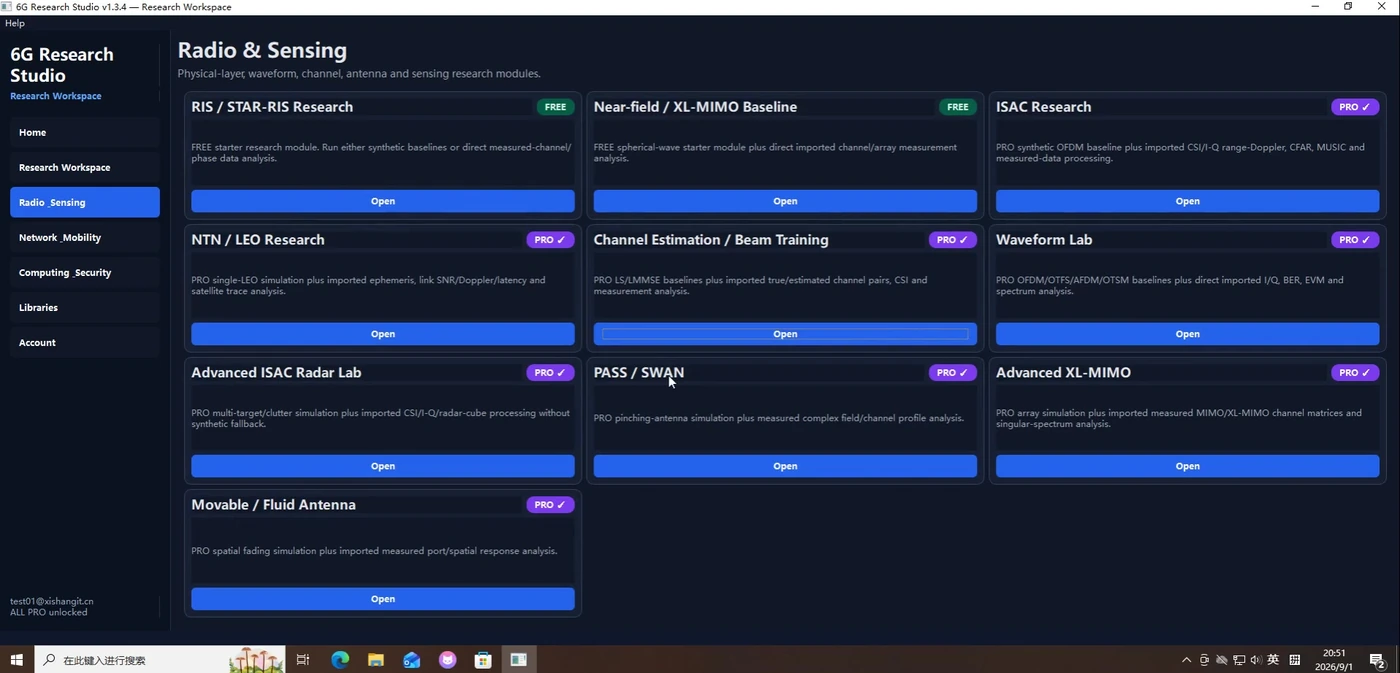
Radio & Sensing Workspace Overview
Quickly understand how research modules are organized inside Radio & Sensing.
Examples & Tutorials
Each page includes multiple screenshots, detailed steps, result interpretation and troubleshooting tips.
6G RESEARCH STUDIO · Examples & Tutorials
Refined from the real product tutorial video. Every tutorial page uses screenshots manually matched to the topic.
Every tutorial on this page was rechecked so the screenshots match the title and the workflow stays clear, searchable and useful.
6G Research Studio
Built from real tutorial video frames with manually matched screenshots.
Quickly understand how research modules are organized inside Radio & Sensing.
Each page includes multiple screenshots, detailed steps, result interpretation and troubleshooting tips.
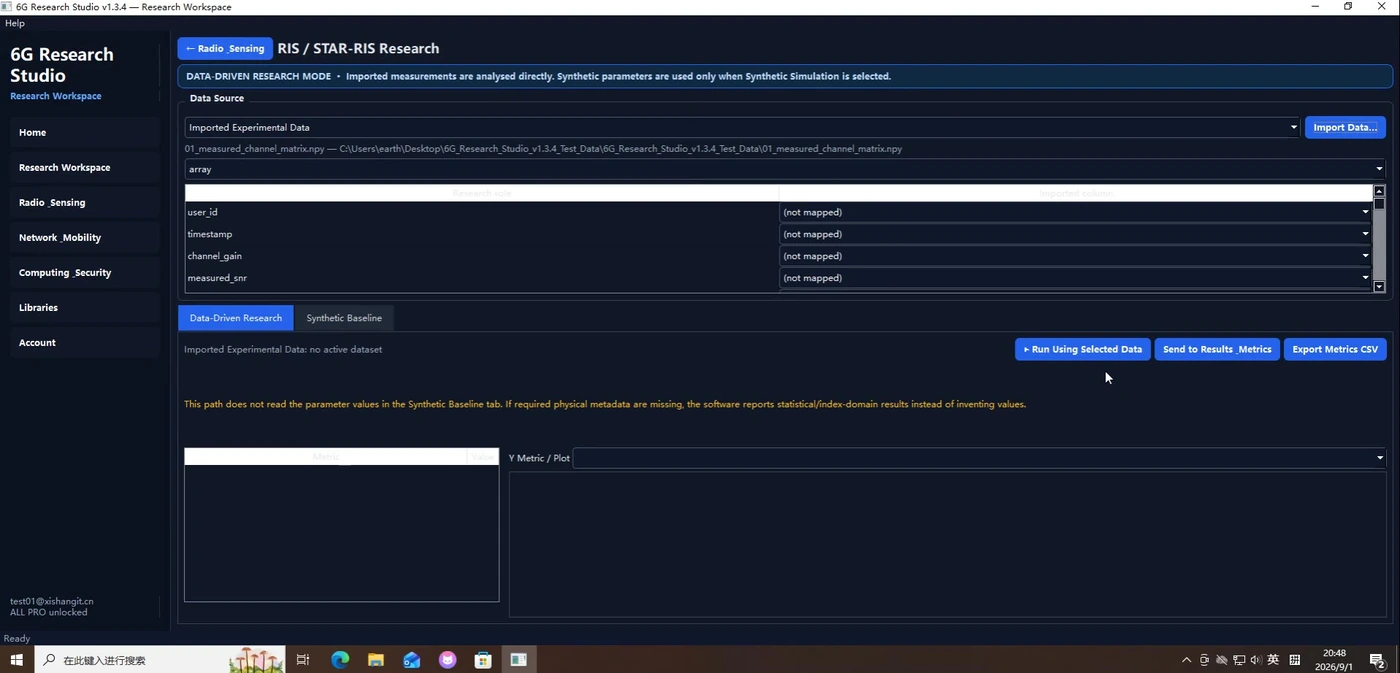
Import RIS/STAR-RIS data and run a data-driven analysis.
Each page includes multiple screenshots, detailed steps, result interpretation and troubleshooting tips.
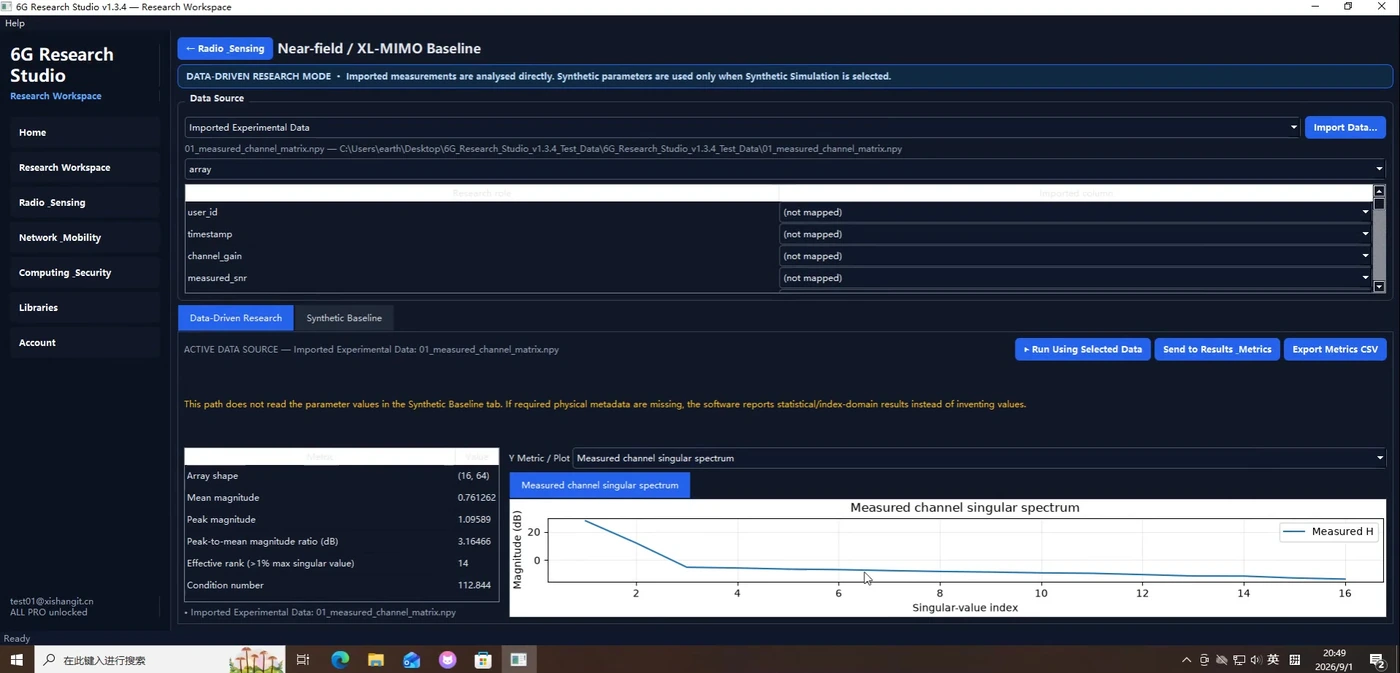
Analyze near-field / XL-MIMO baseline data and the related plots.
Each page includes multiple screenshots, detailed steps, result interpretation and troubleshooting tips.
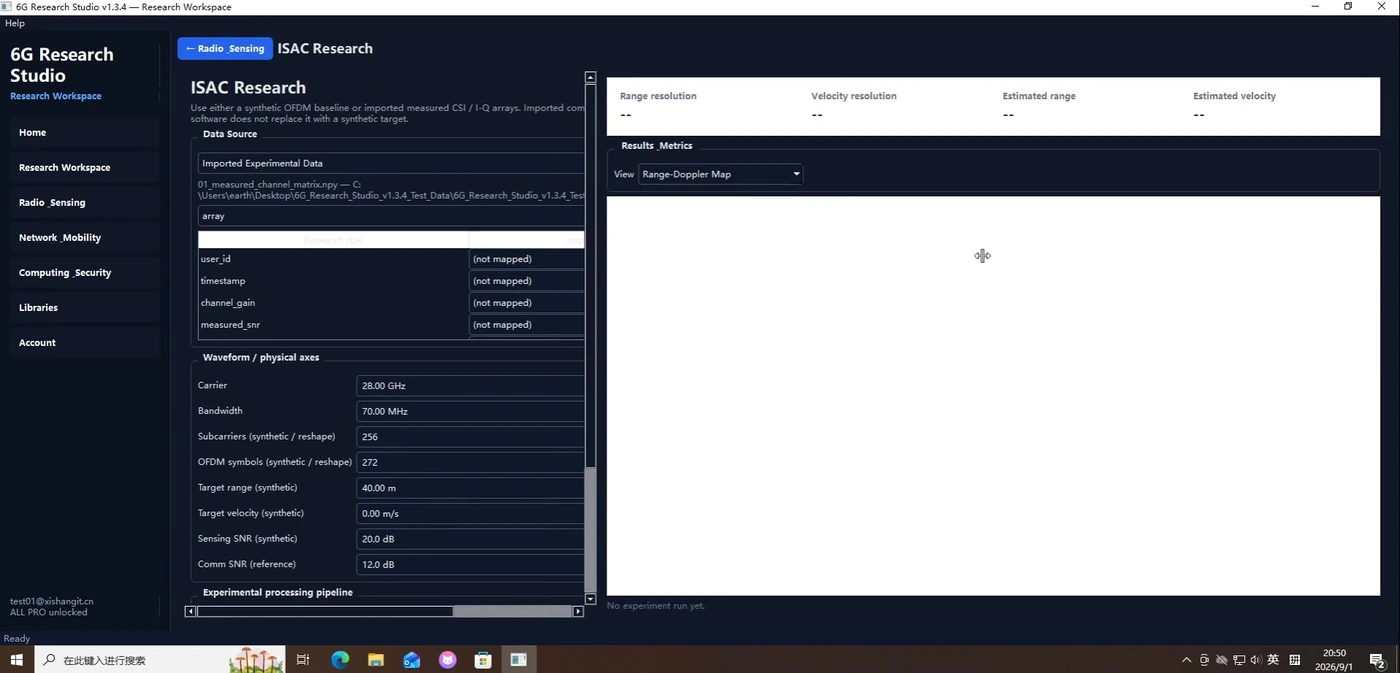
Walk through the ISAC workflow from setup to the final range-Doppler result.
Each page includes multiple screenshots, detailed steps, result interpretation and troubleshooting tips.
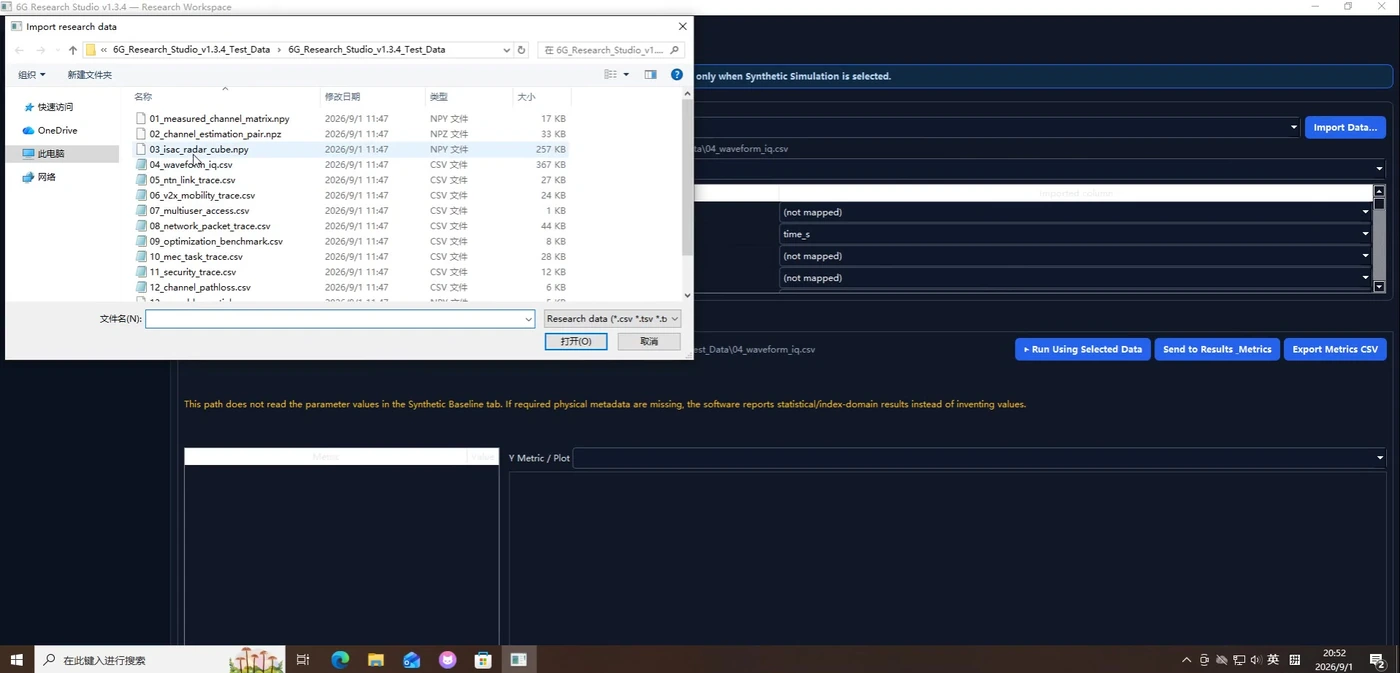
From file selection to loaded data, learn how to bring experimental files into a research module.
Each page includes multiple screenshots, detailed steps, result interpretation and troubleshooting tips.
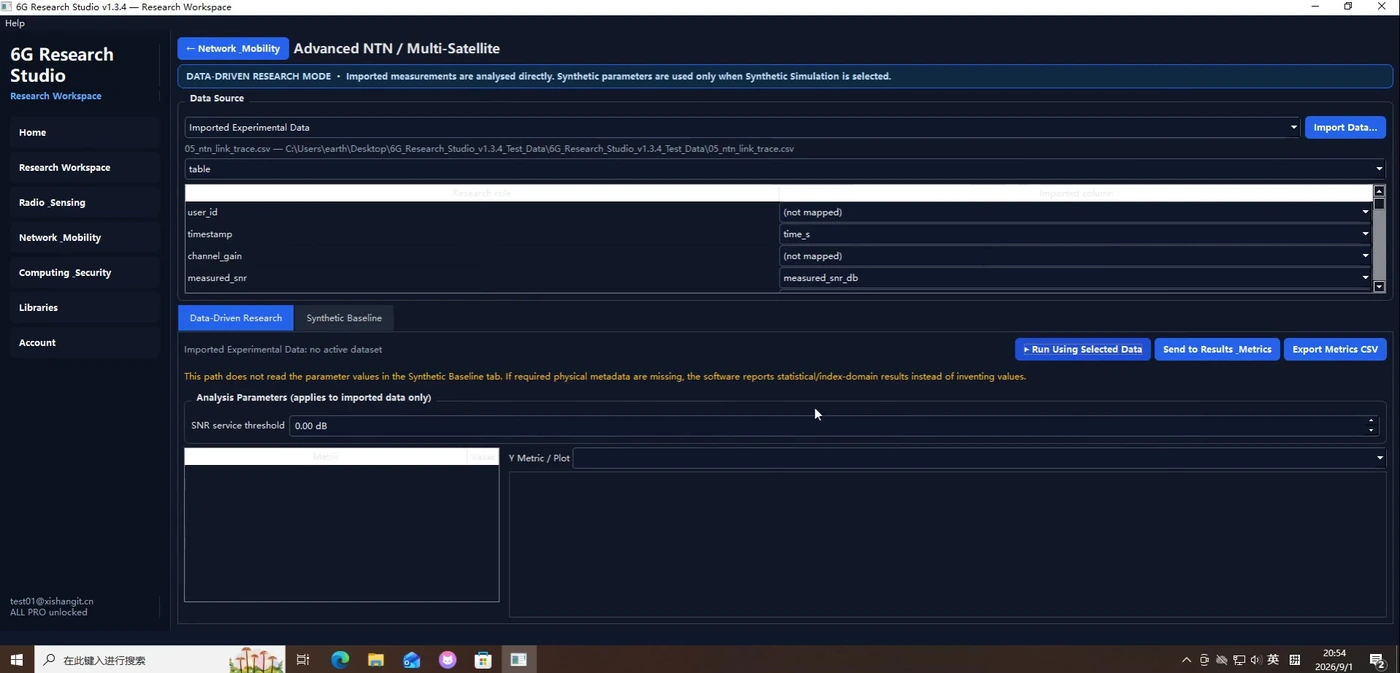
Run link and mobility related analysis for NTN / multi-satellite data.
Each page includes multiple screenshots, detailed steps, result interpretation and troubleshooting tips.
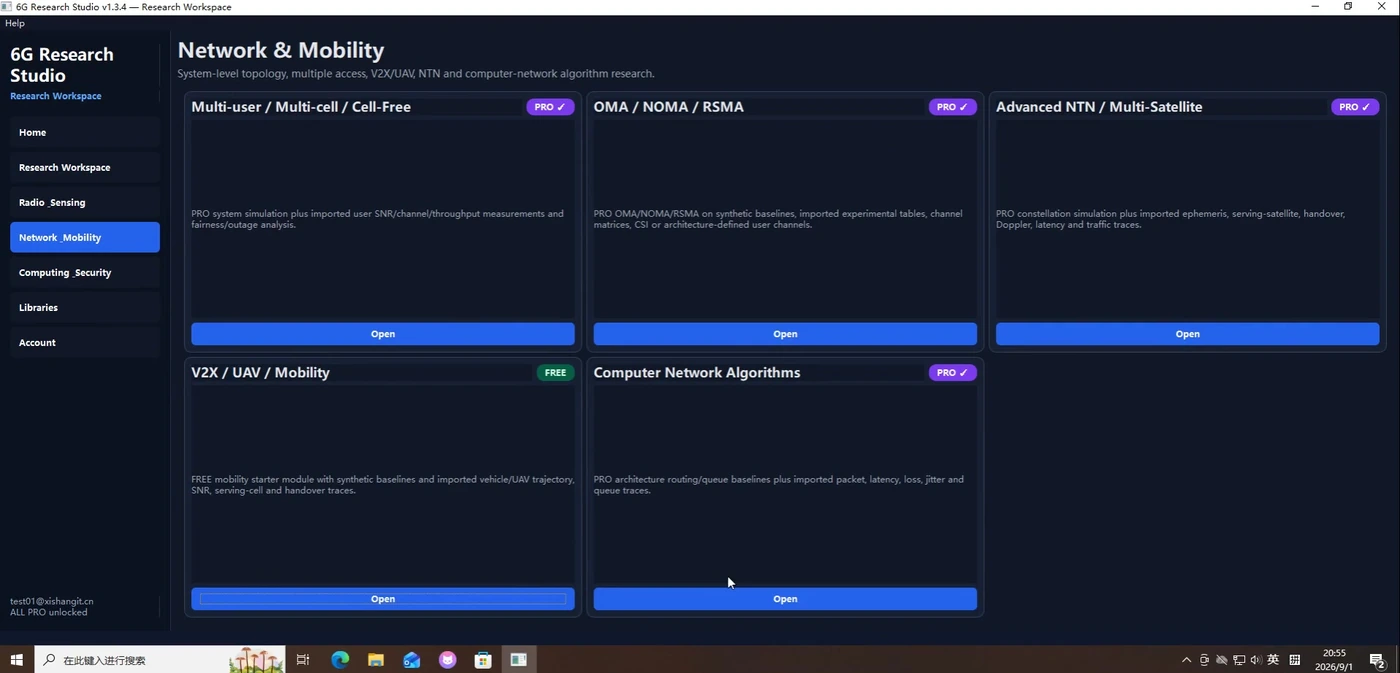
Browse system-level modules such as multi-user, multiple access, V2X/UAV and NTN.
Each page includes multiple screenshots, detailed steps, result interpretation and troubleshooting tips.
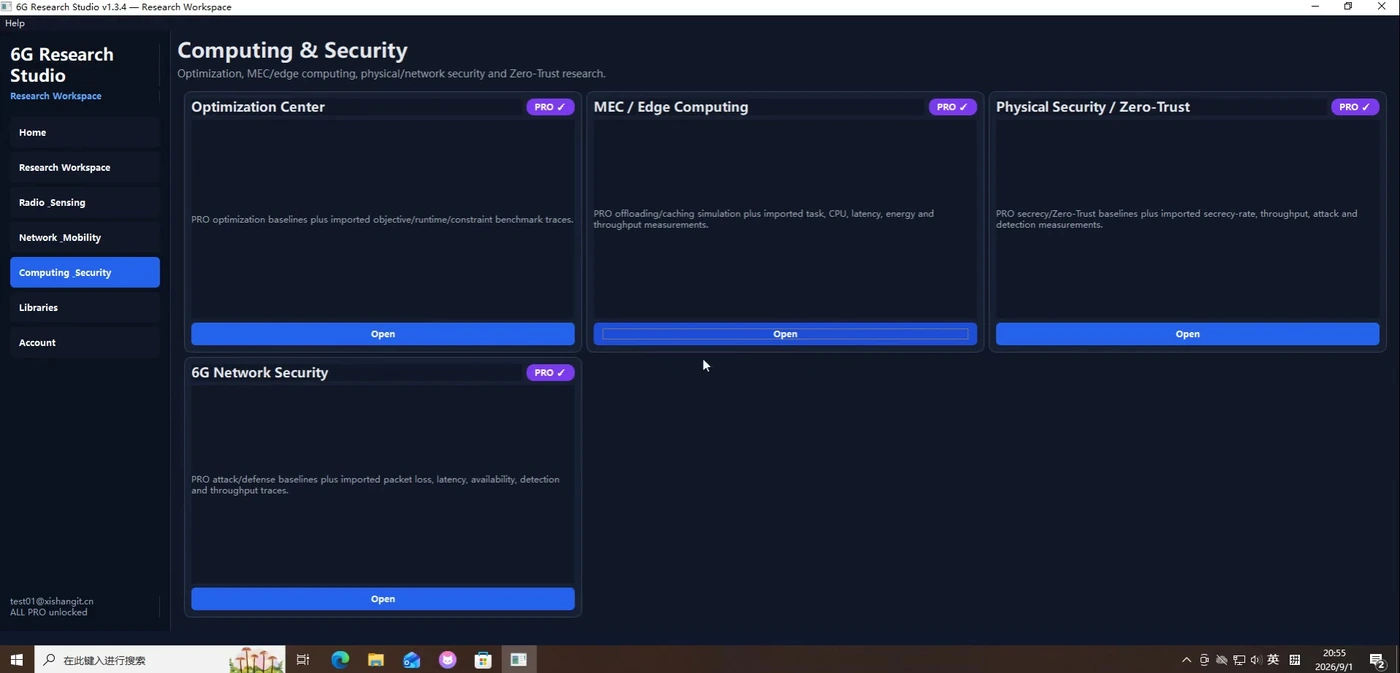
Browse the entry points for optimization, MEC/Edge, physical security and network security research.
Each page includes multiple screenshots, detailed steps, result interpretation and troubleshooting tips.
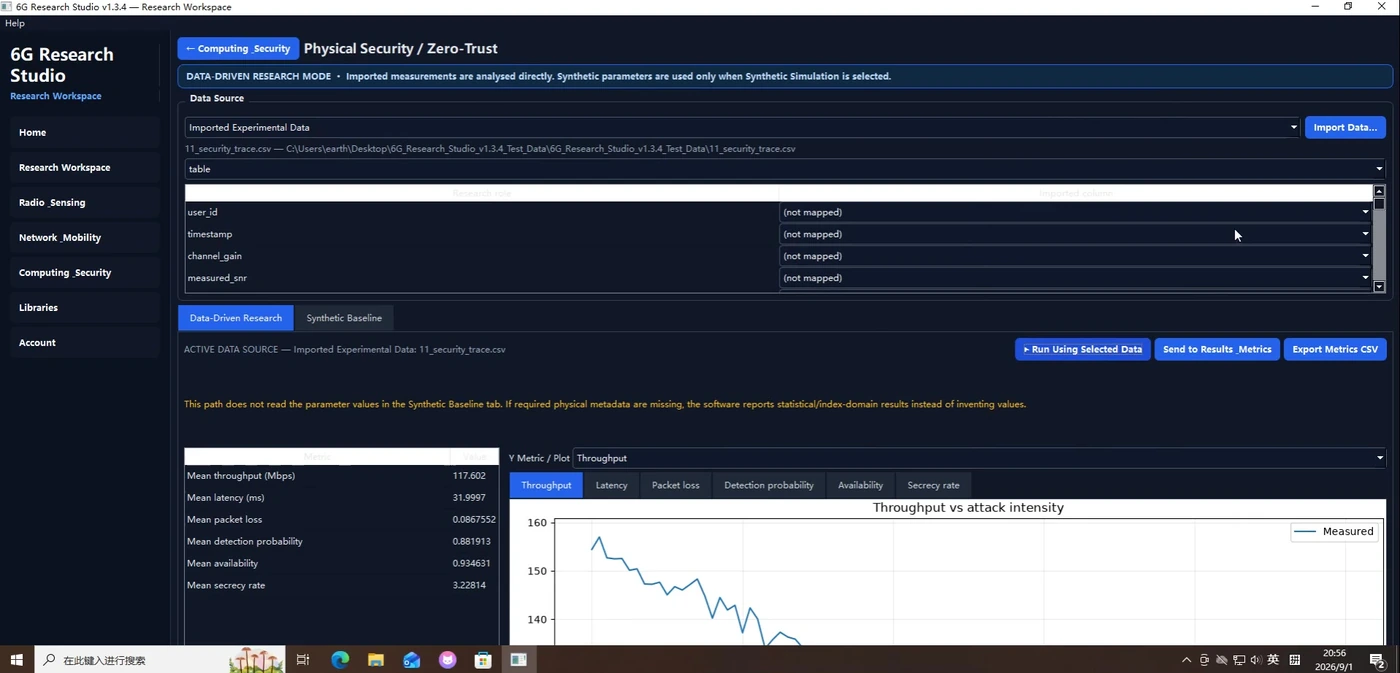
Run a data-driven analysis for Zero-Trust / physical-security traces.
Each page includes multiple screenshots, detailed steps, result interpretation and troubleshooting tips.
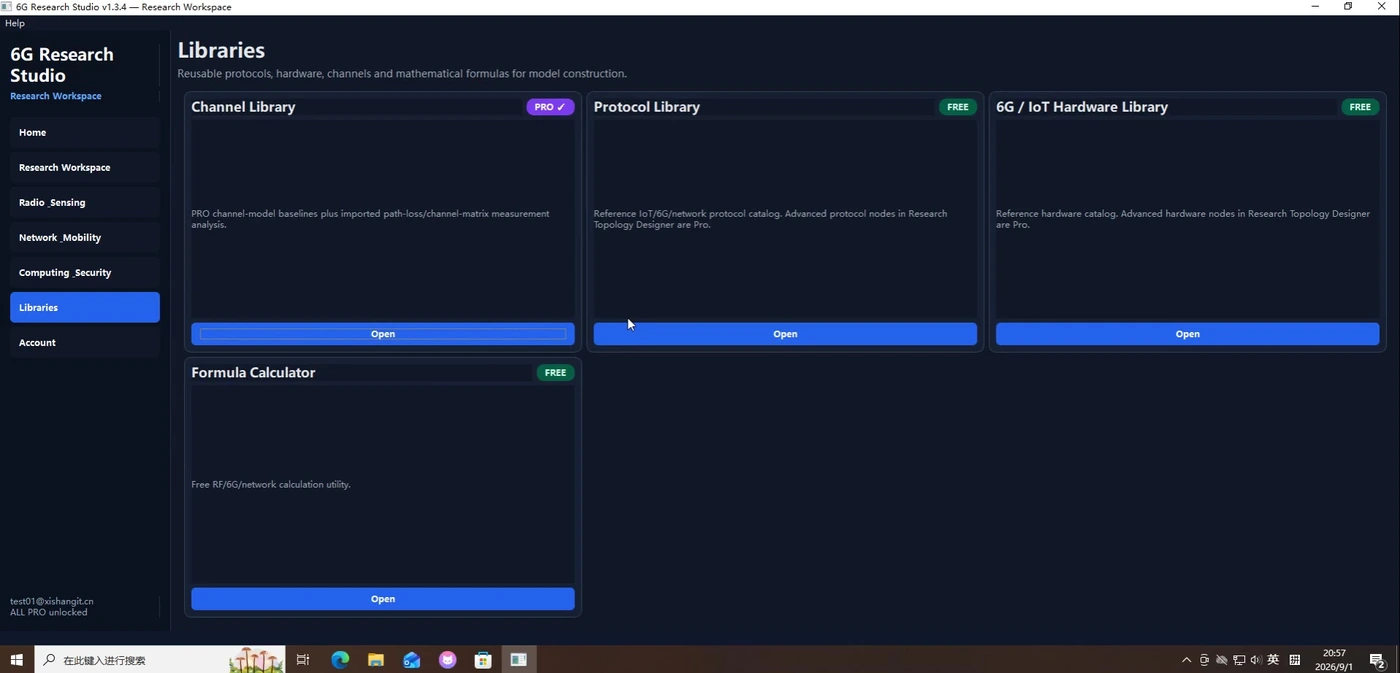
Use channel, protocol, hardware and formula resources as references for your research workflow.
Each page includes multiple screenshots, detailed steps, result interpretation and troubleshooting tips.
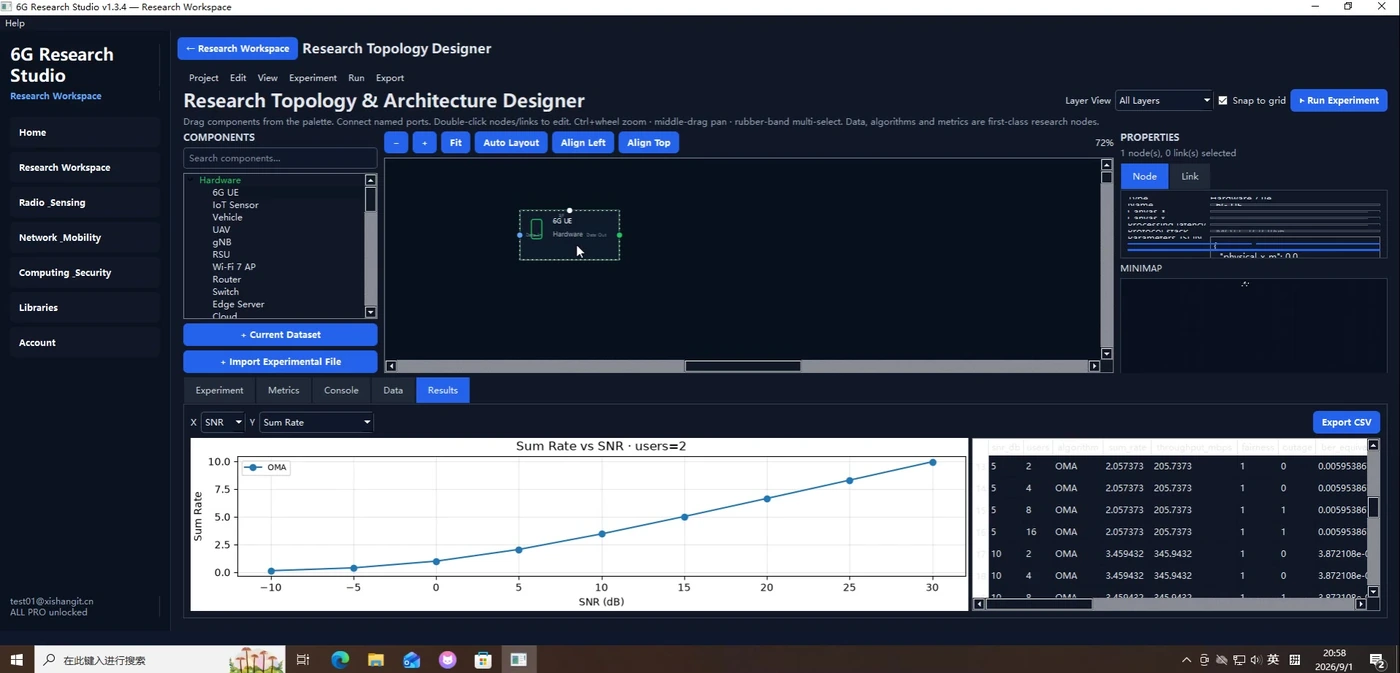
Use the visual topology designer to assemble a research architecture and inspect its resulting charts.
Each page includes multiple screenshots, detailed steps, result interpretation and troubleshooting tips.