
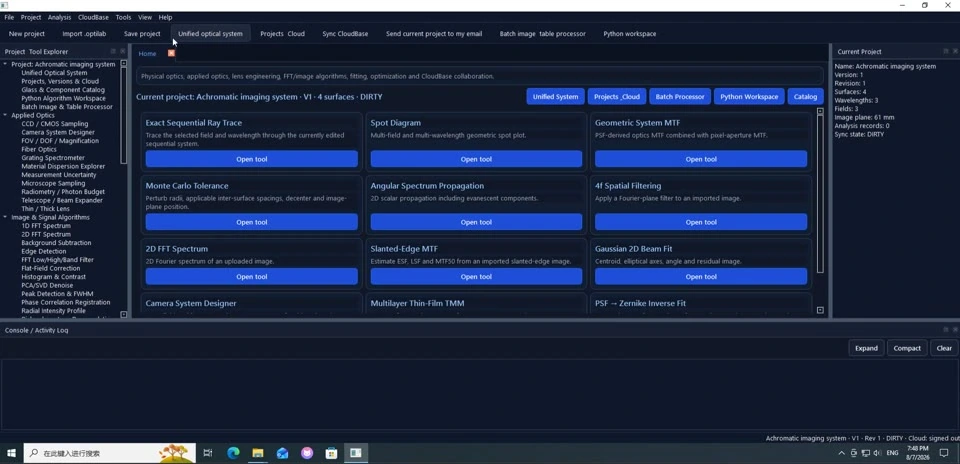
Windows Workspace & Tool Navigation
Start with Project Tool Explorer, tabs and the current-project area before jumping into individual analyses.
Each page includes multiple screenshots, detailed steps, result interpretation and troubleshooting tips.
WAVERAY · Examples & Tutorials
Covers both Windows and Android. Each tutorial has its own URL so users can search a specific function and follow the workflow step by step.
Every tutorial on this page was rechecked so the screenshots match the title and the workflow stays clear, searchable and useful.
WaveRay
Built from real tutorial video frames with manually matched screenshots.

Start with Project Tool Explorer, tabs and the current-project area before jumping into individual analyses.
Each page includes multiple screenshots, detailed steps, result interpretation and troubleshooting tips.

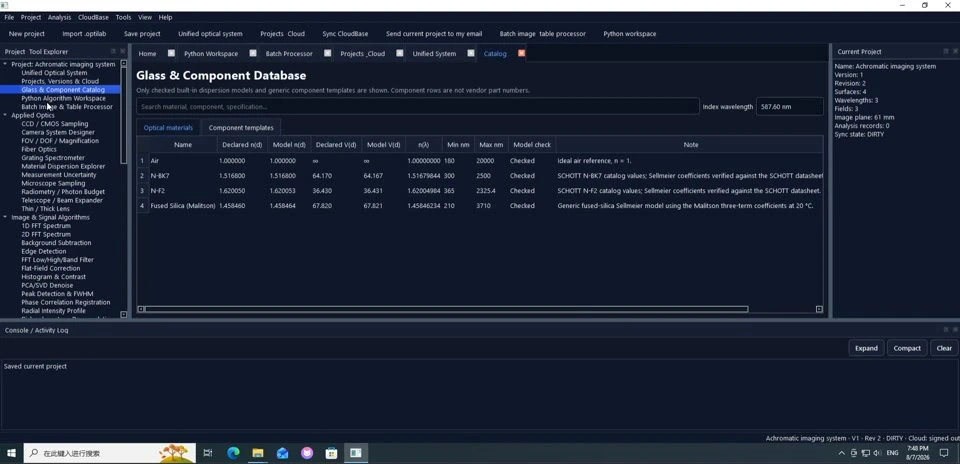
Look up glasses and components, then use them as references for later design and analysis.
Each page includes multiple screenshots, detailed steps, result interpretation and troubleshooting tips.
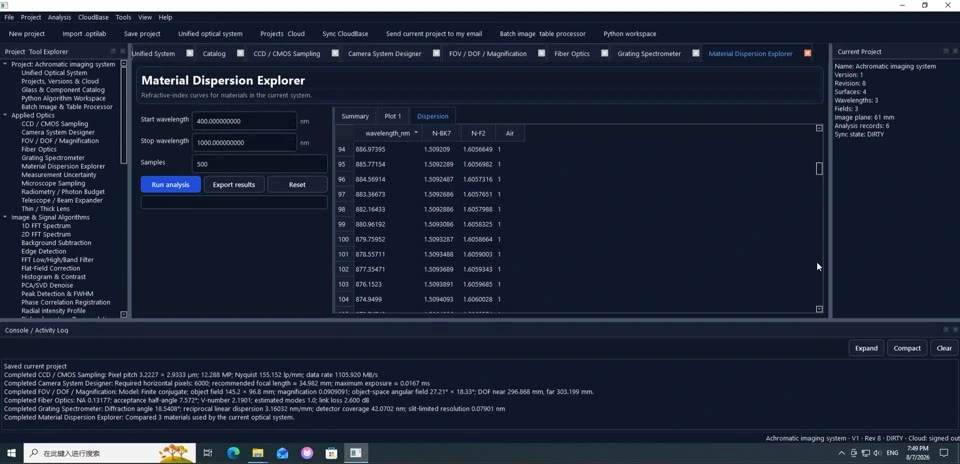
Inspect dispersion data and see how wavelength-dependent material behavior affects the system.
Each page includes multiple screenshots, detailed steps, result interpretation and troubleshooting tips.
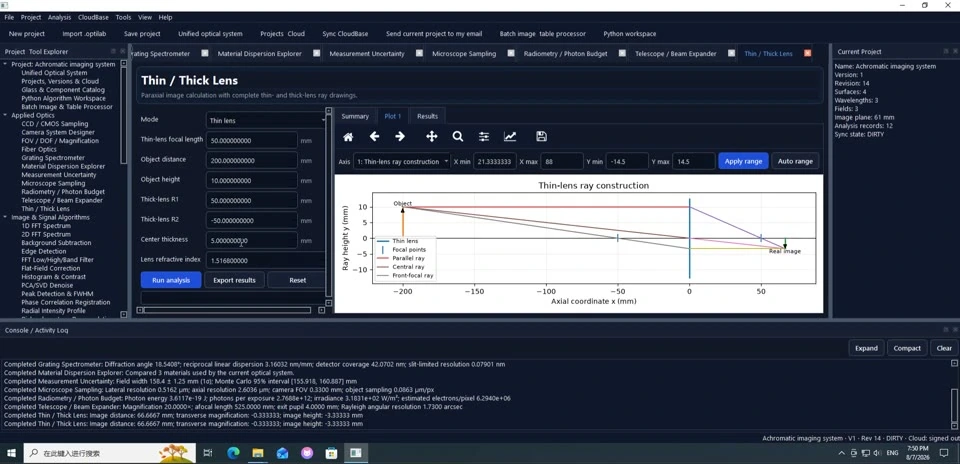
Run thin- and thick-lens calculations and read image distance, magnification and other basic outputs.
Each page includes multiple screenshots, detailed steps, result interpretation and troubleshooting tips.
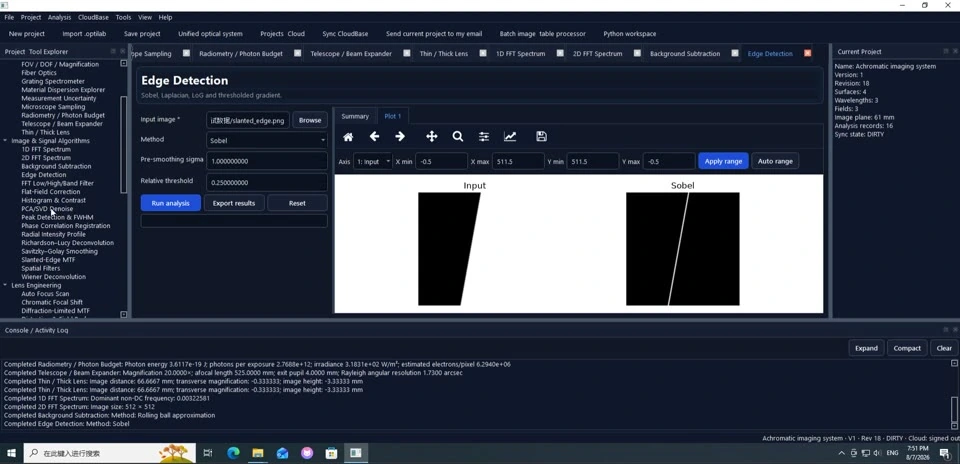
Import a test image and run an edge-detection workflow.
Each page includes multiple screenshots, detailed steps, result interpretation and troubleshooting tips.
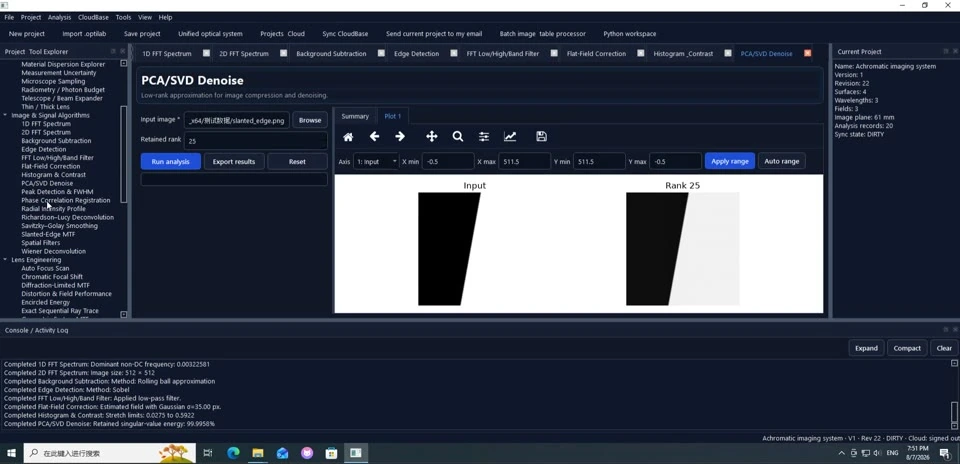
Apply a PCA/SVD-style denoising workflow to an image.
Each page includes multiple screenshots, detailed steps, result interpretation and troubleshooting tips.
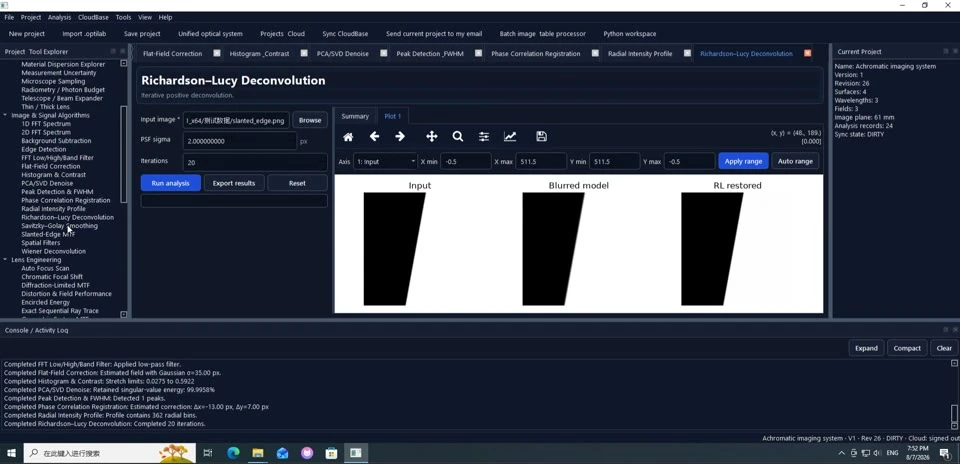
Run a Richardson-Lucy deconvolution workflow and inspect the restored output.
Each page includes multiple screenshots, detailed steps, result interpretation and troubleshooting tips.
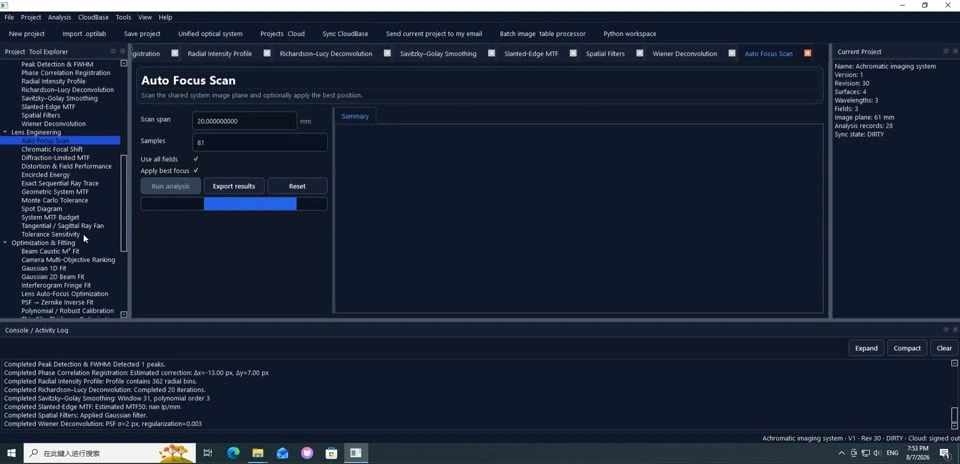
Set up an auto-focus scan and search for the best focus position.
Each page includes multiple screenshots, detailed steps, result interpretation and troubleshooting tips.
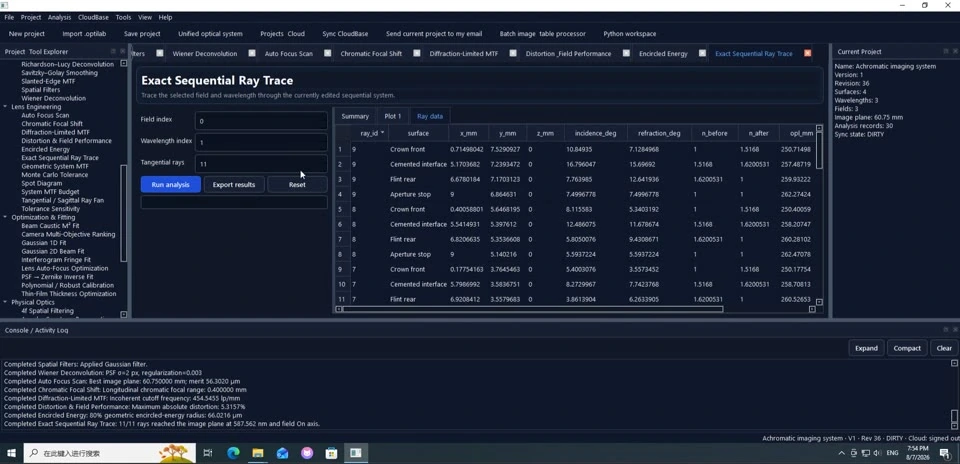
Perform exact sequential ray tracing and inspect the system and surface data.
Each page includes multiple screenshots, detailed steps, result interpretation and troubleshooting tips.
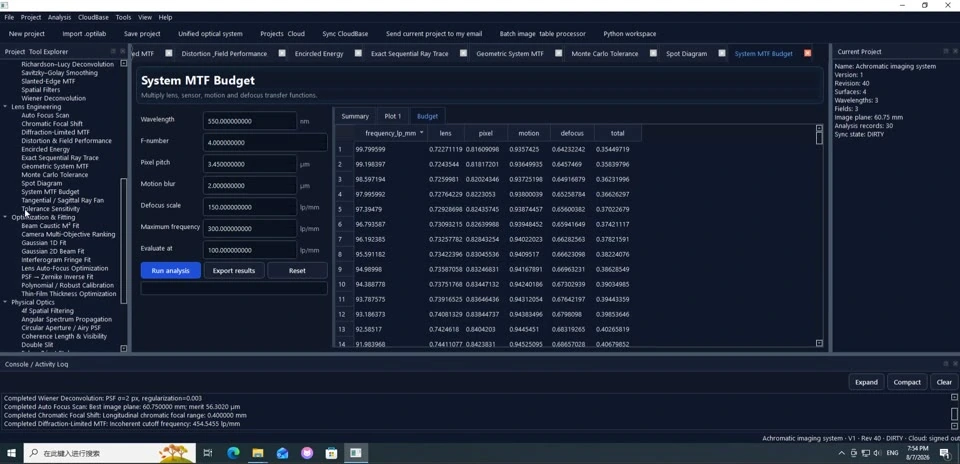
Inspect the system MTF budget and compare the contribution of each stage.
Each page includes multiple screenshots, detailed steps, result interpretation and troubleshooting tips.
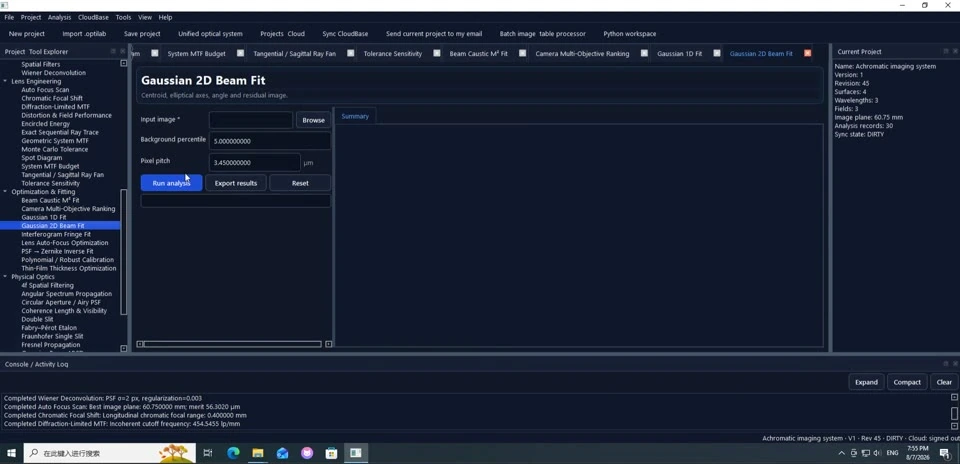
Fit a 2D Gaussian beam and read the fitted beam parameters.
Each page includes multiple screenshots, detailed steps, result interpretation and troubleshooting tips.
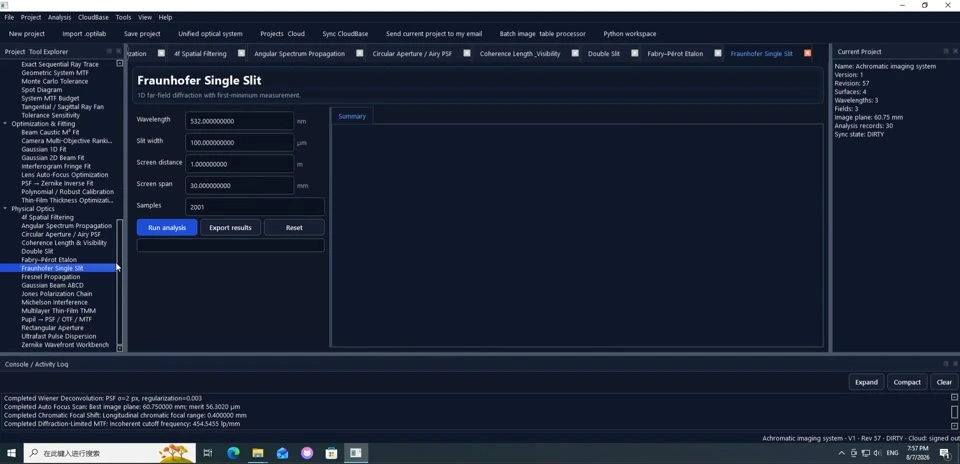
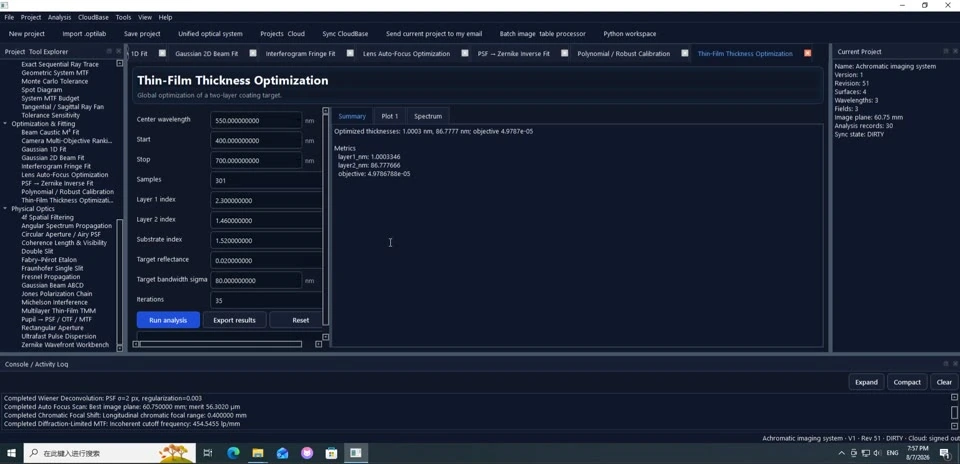
Optimize thin-film layer thicknesses against a target response.
Each page includes multiple screenshots, detailed steps, result interpretation and troubleshooting tips.
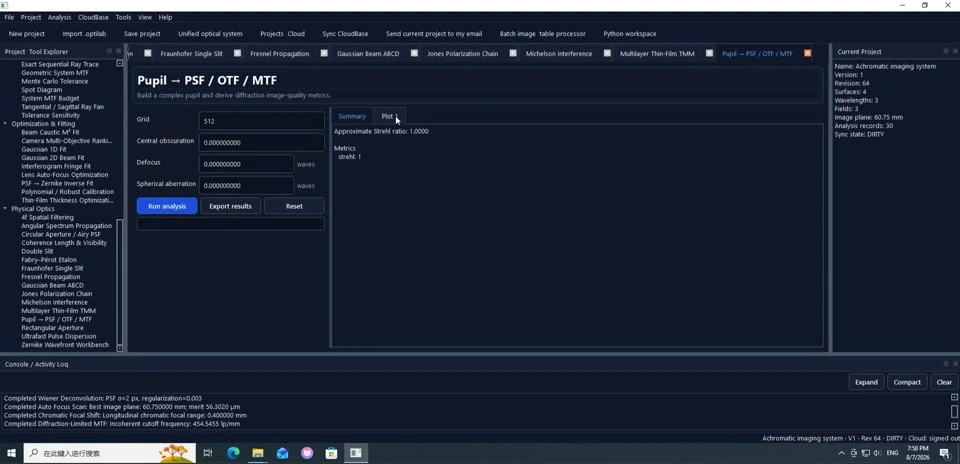
Compute a single-slit Fraunhofer pattern and inspect how the pattern changes with its parameters.
Each page includes multiple screenshots, detailed steps, result interpretation and troubleshooting tips.
Inspect pupil, PSF, OTF and MTF related analyses.
Each page includes multiple screenshots, detailed steps, result interpretation and troubleshooting tips.
WaveRay
Built from real tutorial video frames with manually matched screenshots.

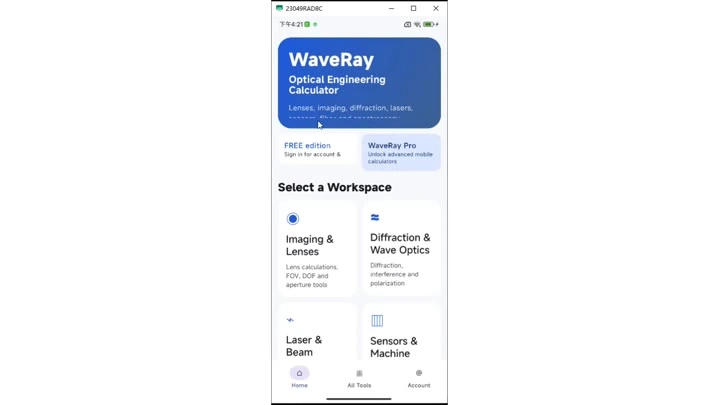
Use the home screen to choose the right workspace and jump into the mobile calculator that matches your task.
Each page includes multiple screenshots, detailed steps, result interpretation and troubleshooting tips.
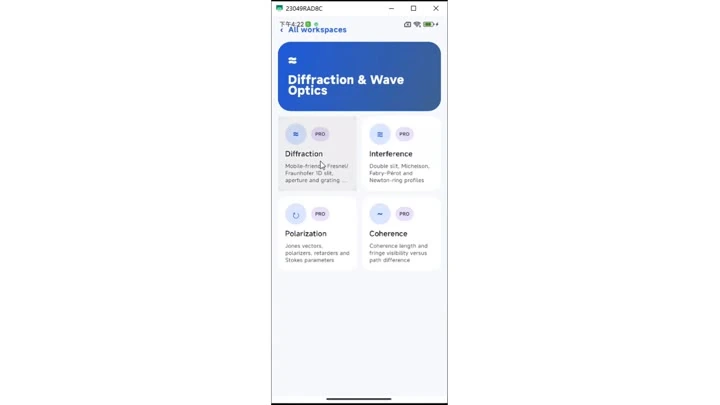
Use the mobile menu to enter Fresnel/Fraunhofer, interference and other diffraction tools.
Each page includes multiple screenshots, detailed steps, result interpretation and troubleshooting tips.
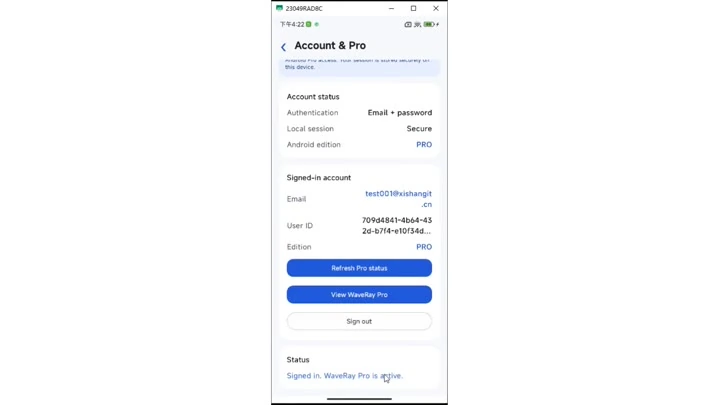
Sign in to a WaveRay account and check the account status on Android.
Each page includes multiple screenshots, detailed steps, result interpretation and troubleshooting tips.
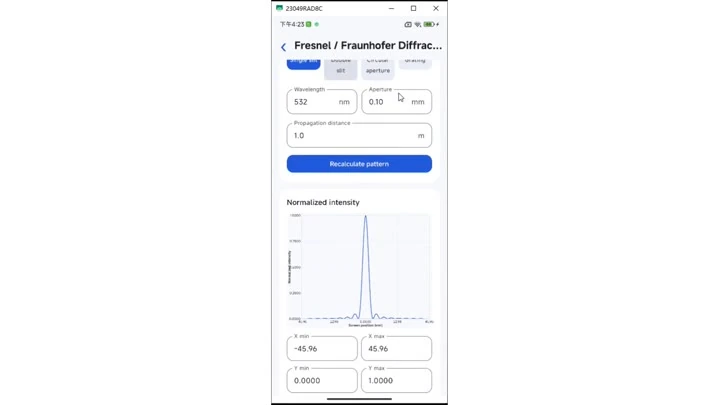
Enter wavelength, aperture and propagation distance on Android to calculate the normalized diffraction pattern.
Each page includes multiple screenshots, detailed steps, result interpretation and troubleshooting tips.
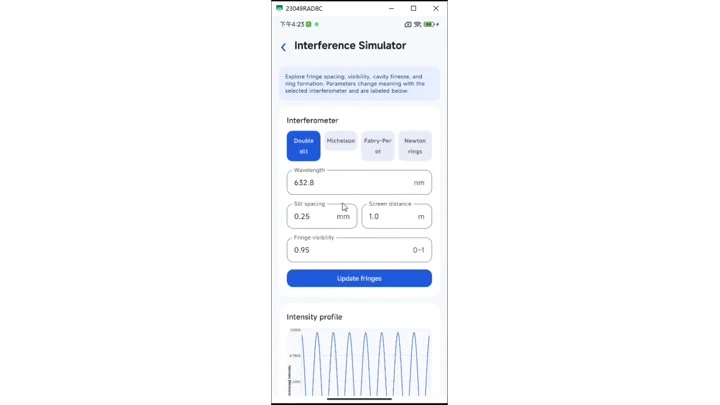
Quickly inspect interference parameters and intensity patterns on Android.
Each page includes multiple screenshots, detailed steps, result interpretation and troubleshooting tips.
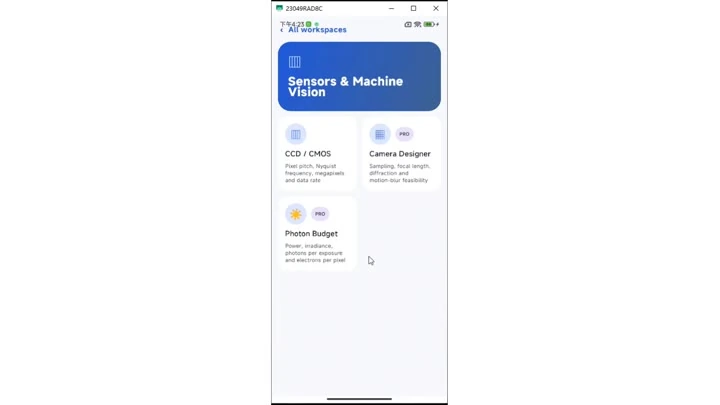
Explore CCD/CMOS, Camera Designer, Photon Budget and related sensor tools on Android.
Each page includes multiple screenshots, detailed steps, result interpretation and troubleshooting tips.
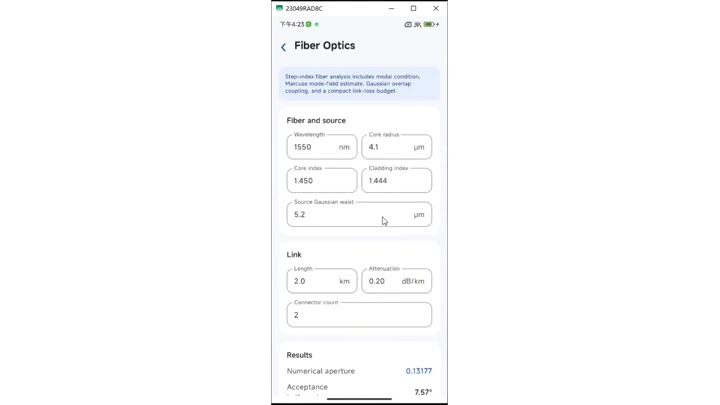
Enter core diameter, numerical aperture and related values for fiber-optics calculations on Android.
Each page includes multiple screenshots, detailed steps, result interpretation and troubleshooting tips.
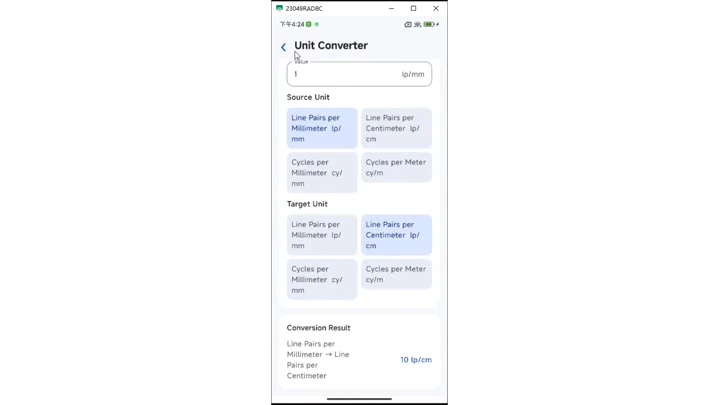
Use the mobile unit converter for quick optics-related unit conversions.
Each page includes multiple screenshots, detailed steps, result interpretation and troubleshooting tips.
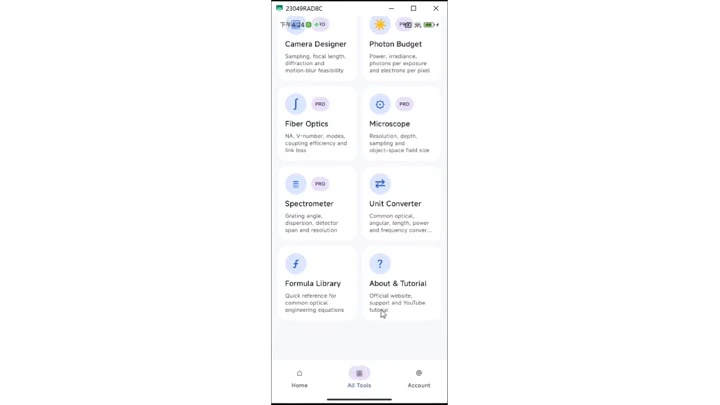
Browse all mobile tools together, including Camera Designer, Photon Budget and Formula Library.
Each page includes multiple screenshots, detailed steps, result interpretation and troubleshooting tips.
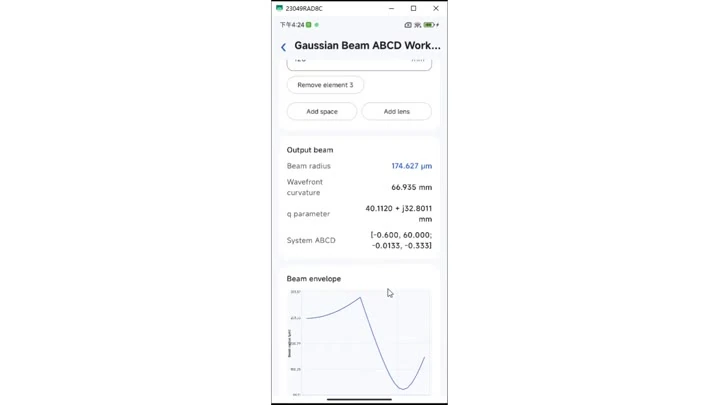
Enter q-parameter and system values on Android to inspect Gaussian Beam ABCD results.
Each page includes multiple screenshots, detailed steps, result interpretation and troubleshooting tips.

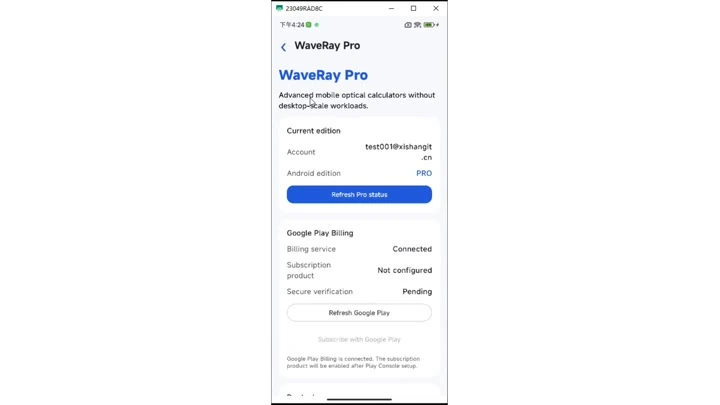
Inspect Pro status, benefits and the purchase/restore entry on Android.
Each page includes multiple screenshots, detailed steps, result interpretation and troubleshooting tips.