
What this tutorial covers
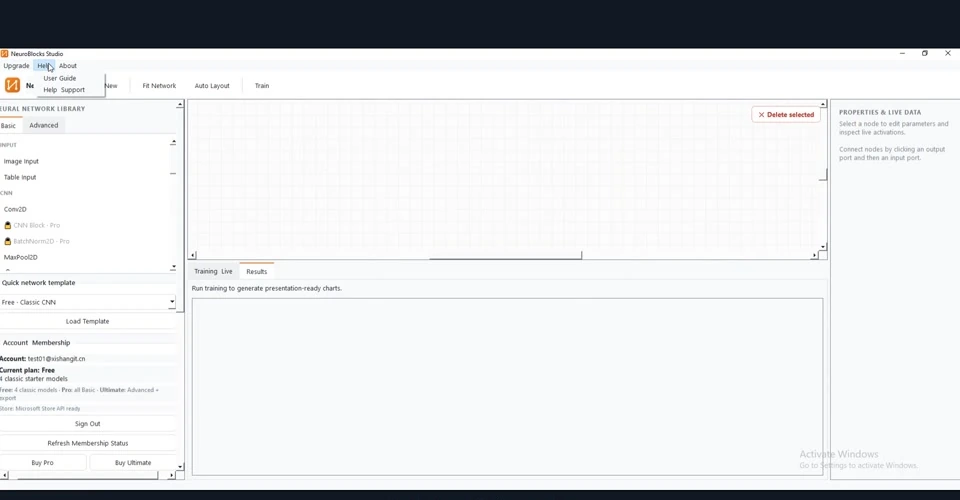
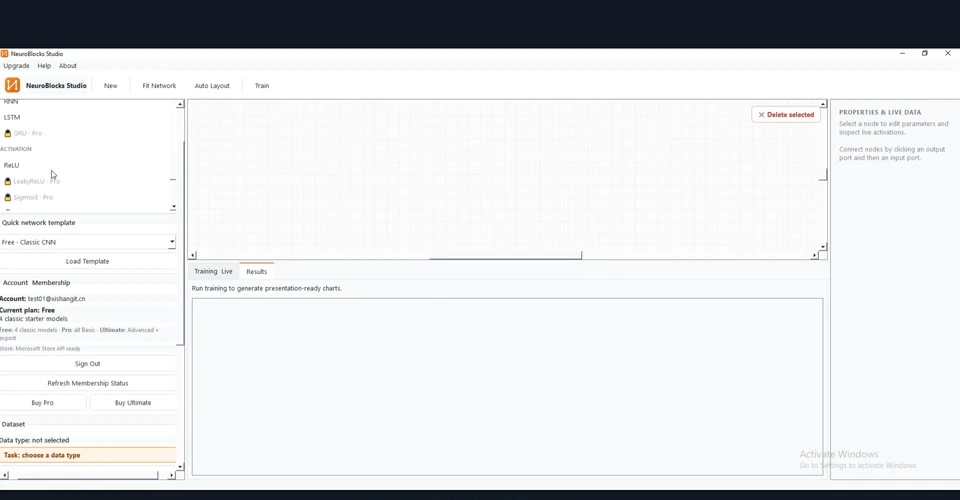
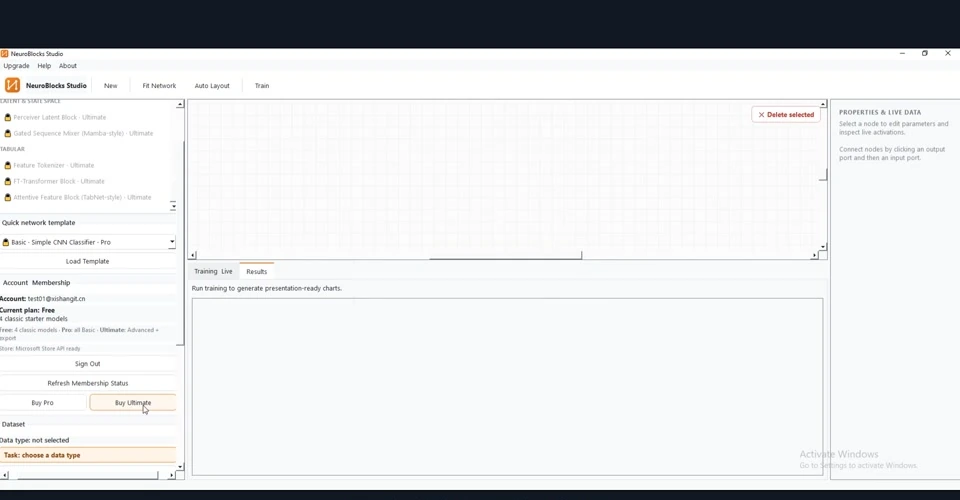
Browse the layer library on the left and inspect the ready-made templates.
Before you start:You need access to the product and should ideally follow the tutorial using your own real parameters or data. The screenshots below were manually rematched to avoid the image/topic mismatches seen in the previous version.
Step-by-step workflow
1Open the module
Inspect the Layer Library after entering the workspace. Confirm that the visible page really matches the tutorial topic before changing any settings.
2Configure the input
Prepare and check the type of network you want to build or the template you want to reuse.
3Run and watch the status
Review available layers and templates before deciding whether to build manually. Watch the visible status, plot or log area while the workflow is running.
4Inspect the result
Pay special attention to reusable network blocks and starter templates.
5Verify and iterate
Templates are usually the fastest start for a new user. Change one meaningful parameter and rerun so you can verify whether the output changes in the expected direction.
How to read the result
- The main output of this workflow is reusable network blocks and starter templates.
- Read the result together with the exact inputs used for the run; a screenshot alone rarely tells the whole story.
- Templates are usually the fastest start for a new user.
Troubleshooting & practical tips
- If nothing changes, first confirm that the correct module is open.
- If the output looks unrealistic, check units, field mapping and input scale first.
- For comparisons, change one key parameter at a time whenever possible.